
Read & organize
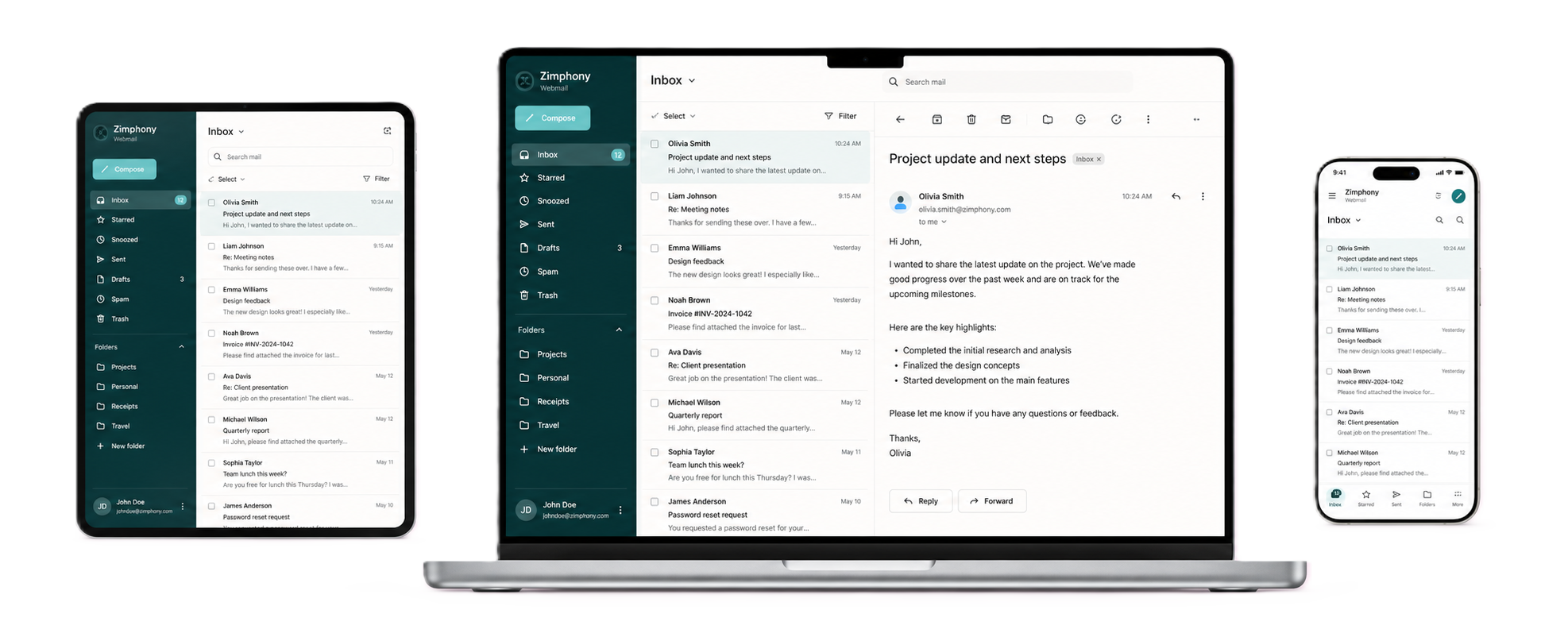
Choose Conversation View or Message View. Use custom folder colors, stars, tags, print, and View Message Source.
Features
Mail and Contacts form the common core. Add focused sharing or a Complete Workspace collaboration model around the Zimbra environment you already run.
Common foundation
Collaboration
Domain control
Deployment
Mail and Contacts
Mail, contacts, folders, search, conversation views, and scheduled sending stay together in a focused workspace built around real Zimbra workflows.
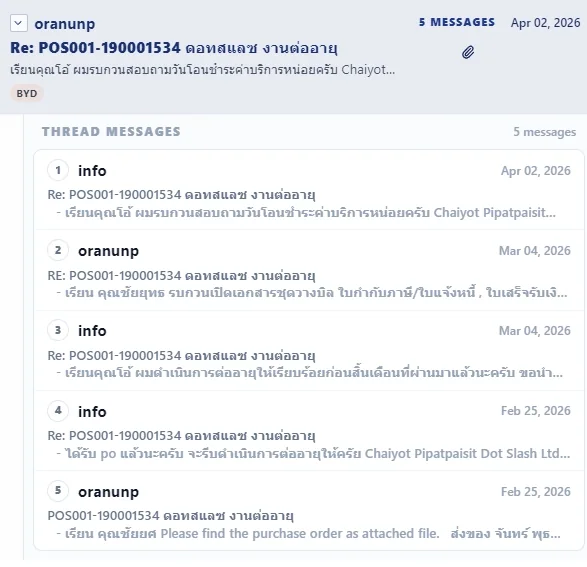
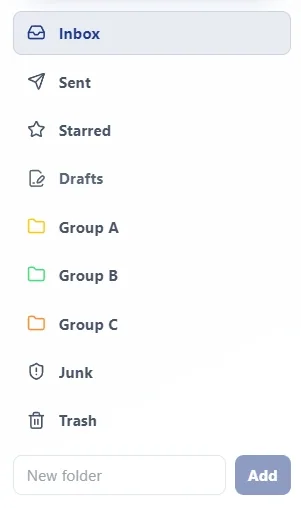
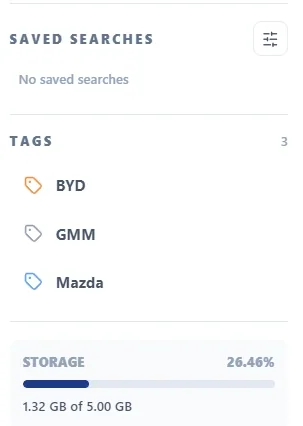
Choose Conversation View or Message View. Use custom folder colors, stars, tags, print, and View Message Source.
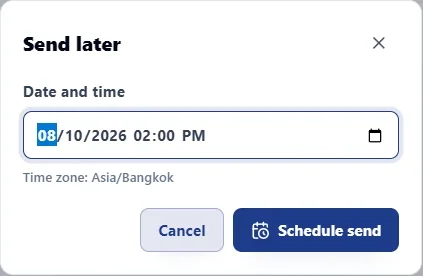
Compose, send, reply, and forward with attachments and signatures. Use Schedule Send to choose a later date and time.
Search mail, manage folders, and use filters to keep the mailbox workable.
Create, edit, delete, and search contacts. Organize people with contact groups and custom contact-group colors.
Mobile-friendly
Use Zimphony Webmail from desktop, tablet, and mobile browsers. The interface adapts to the available screen size.
Domain control, branding, and protection
Domain Admin is delegated and domain-scoped. Per-domain branding and built-in TOTP-based 2FA protect and distinguish the Zimphony Webmail experience without replacing global Zimbra administration.
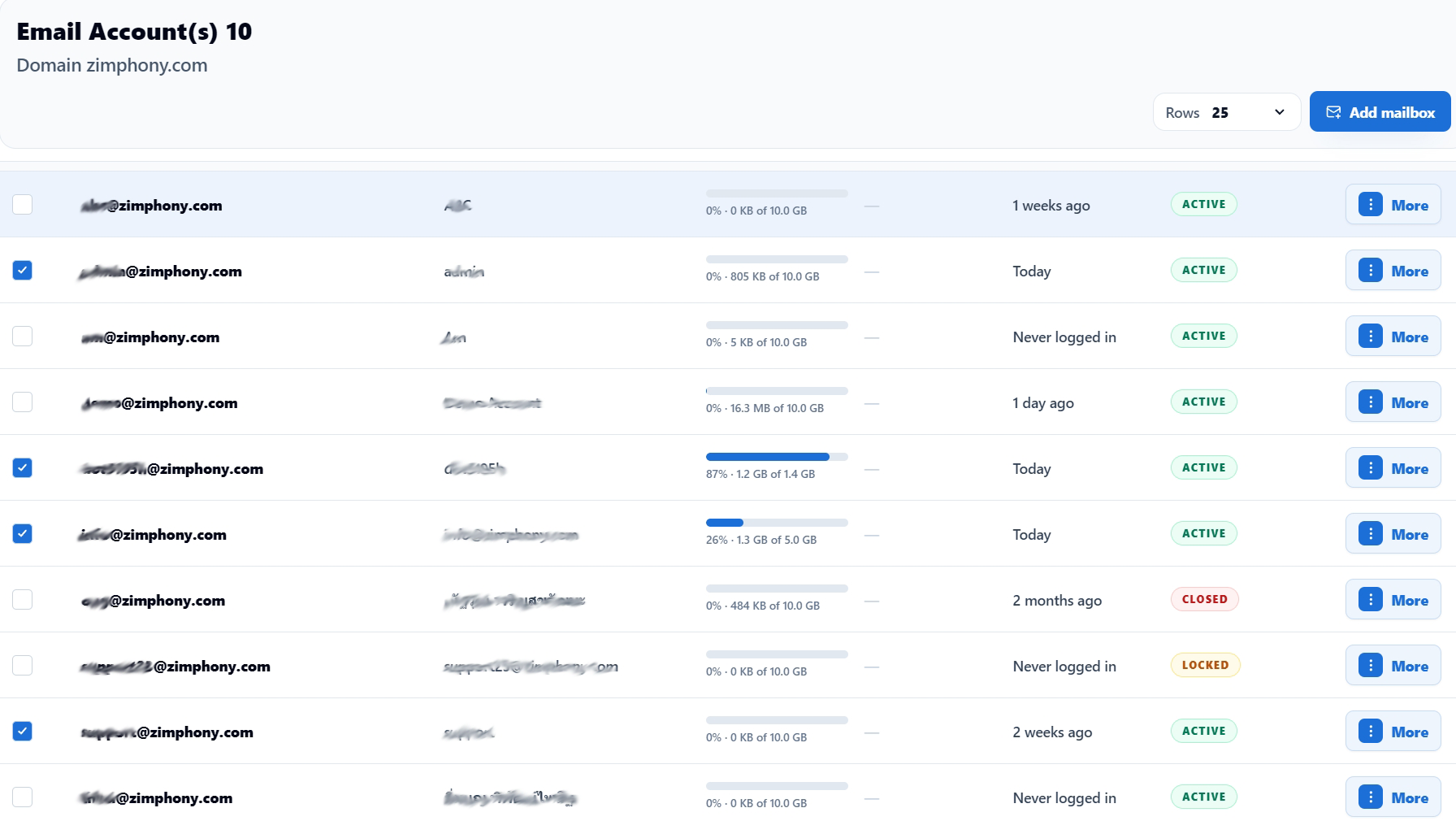
Domain Admin does not provide cross-tenant or global control of Zimbra infrastructure.
Open Domain Admin Access guide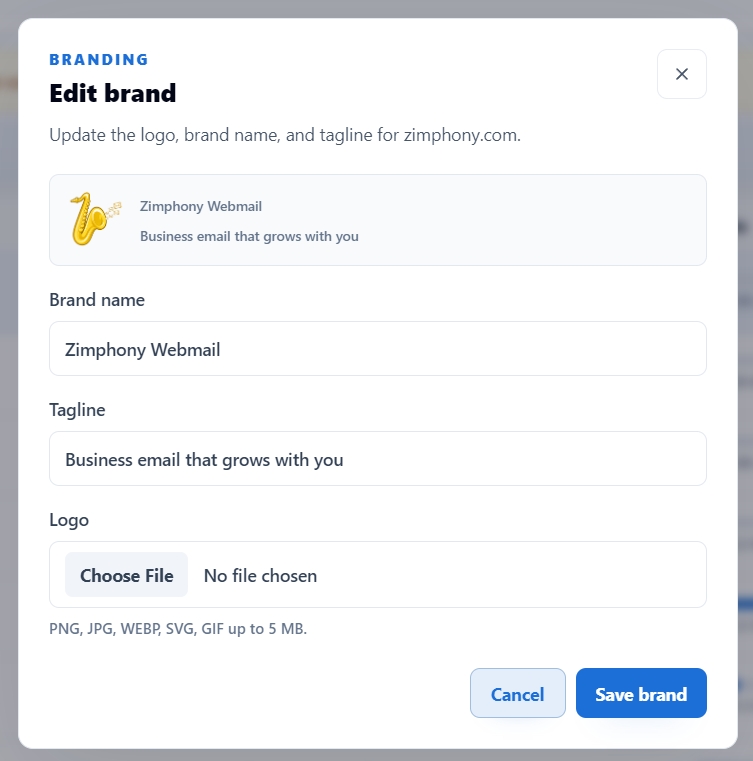
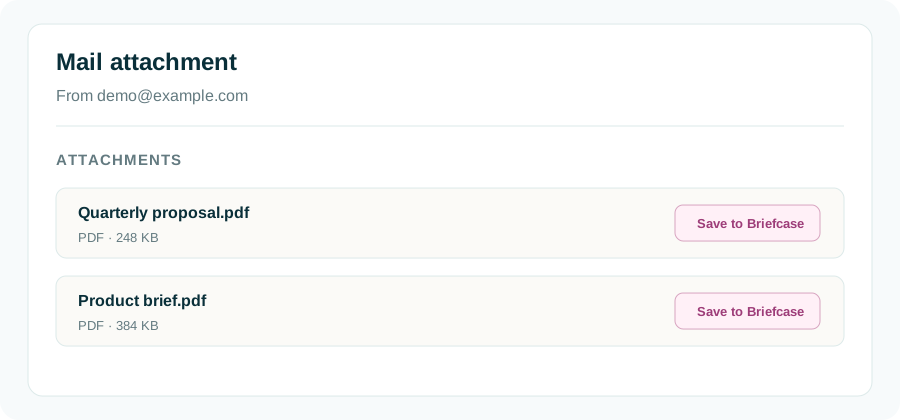
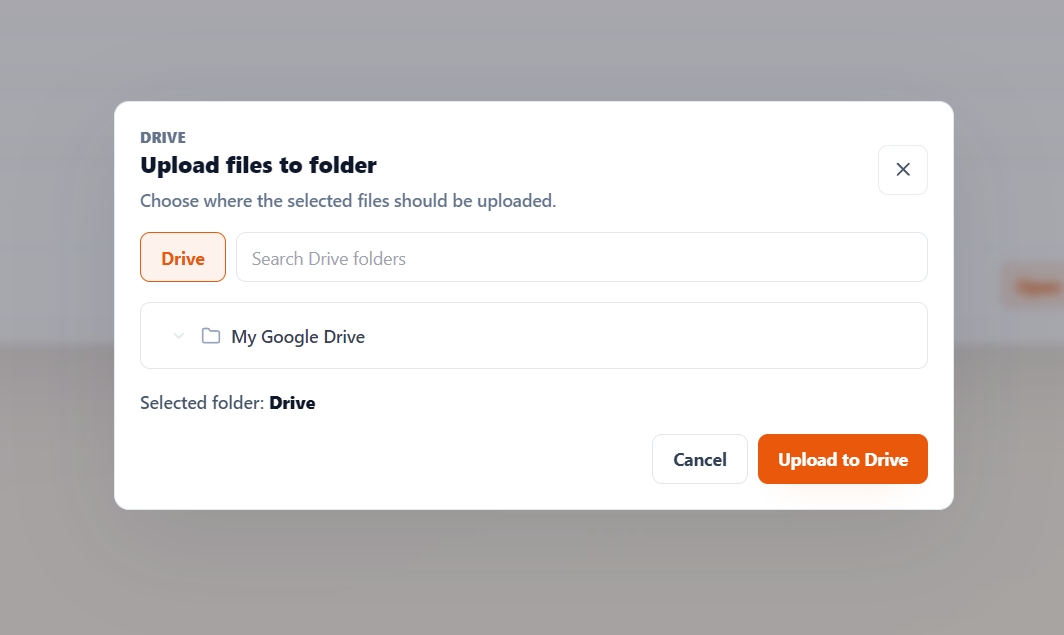
Selected mail-to-file proof
Native Zimbra uses Briefcase. Google Connect uses customer-managed Google Drive; Drive Sharing remains distinct from Briefcase Sharing.
Native Zimbra
Google Connect
Complete Workspace
Native Zimbra and Google Connect are collaboration models, not add-ons. Both retain Zimbra Mail and Zimbra Contacts.
Native Zimbra
Use Zimbra Calendar, Zimbra Tasks, and Zimbra Briefcase. Their sharing remains inside Zimbra.
Open Native Zimbra DemoGoogle Connect
Use customer-managed Google Calendar, Google Tasks, and Google Drive. Calendar, Task, and Drive sharing are managed by Google.
Open Google Connect Demo Open Google Connect SetupGoogle Connect uses services the customer provides and manages: the required Google account or subscription entitlement, Google Cloud project, OAuth credentials, API access and configuration, and any required Google approval or consent configuration. Google services are not bundled, licensed, or operated by Zimphony.
Evaluate Zimphony
Download Free, open the workspace, or compare the available paths in Pricing.